Product photography has improved significantly over the past decade, and it still cannot answer one question that matters to a significant portion of online shoppers: will this actually fit in my space?
A sofa that reads as mid-sized in a catalogue image can dominate a small living room. A pendant lamp whose diameter is listed in the specifications can still be impossible to judge against a specific ceiling height. An outdoor dining set on a sunny terrace in a product photo gives no useful information about whether the same set will fit the patio someone is shopping for.
AR product previews address this gap directly — not by replacing product photography, but by adding a layer that photographs cannot provide.
What AR Previews Actually Do
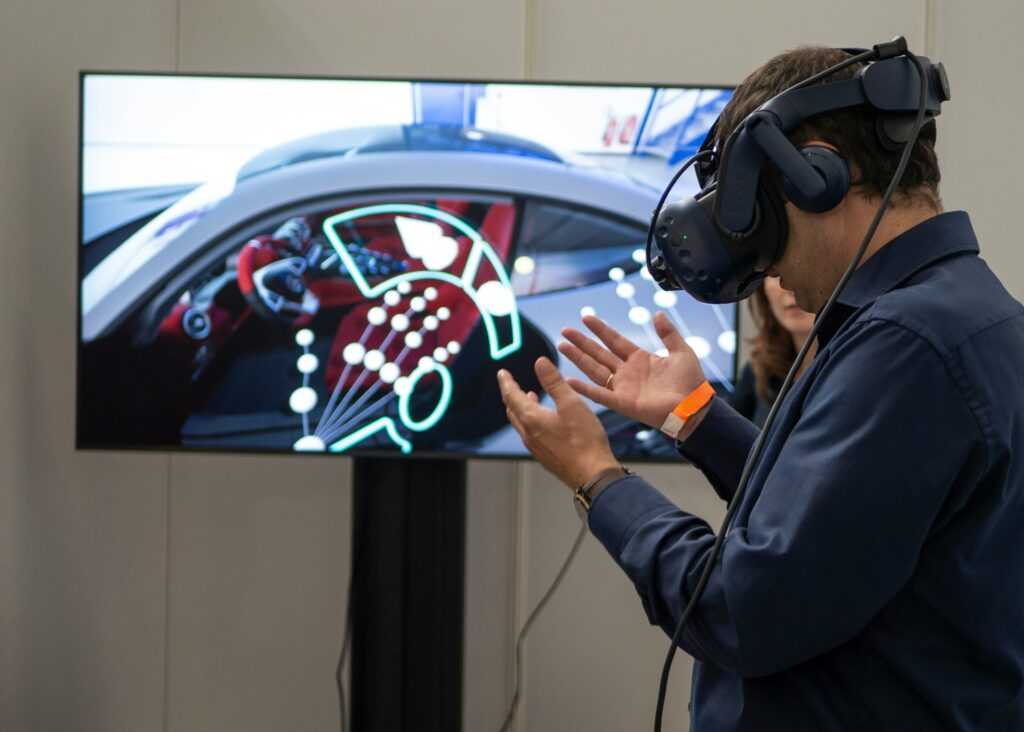
An AR product preview uses the camera on a phone or tablet to map the real physical environment and overlay a digital version of the product at its correct dimensions within that space. The shopper can walk around it, see how it sits relative to existing furniture, check whether it fits the available space, and evaluate how its colour and material read under the actual lighting conditions of the room.
The categories where this is most useful are ones where scale and spatial context drive buying decisions. Furniture, lighting, large appliances, bathroom fixtures, outdoor furniture, windows and doors — products that customers need to visualise in place rather than simply evaluate as objects. A refrigerator previewed against the kitchen wall answers the question of whether it fits before the order is placed. A bathroom fixture placed in the actual bathroom answers questions that a showroom visit in a different context cannot.
The 3D Model Behind the Experience
Behind every useful AR product preview is an optimized 3D asset, which is why brands often rely on AR 3D modeling services to create models with accurate scale, clean geometry, realistic materials, and formats that work across ecommerce platforms and AR viewers.
This is where most AR product experiences succeed or fail. A model with incorrect proportions will show the product at the wrong size in the viewer — which is actively worse than no AR preview, because the shopper is making a decision on false information. A model with textures that do not accurately represent the physical material — the grain of a timber, the sheen of a fabric, the translucency of glass — reduces the confidence the preview is supposed to build.
The technical requirements are specific. The model needs clean geometry with a polygon count low enough to load and render in real time on a mid-range smartphone. Textures need to be compressed without losing the surface detail that makes material look real. The file needs to be exported in the right format for the intended platform — USDZ for iOS AR environments, GLB for Android and web-based AR viewers. Getting any of these wrong degrades the experience in ways that are immediately noticeable to the user.
Retopology — the process of rebuilding a high-polygon model into a cleaner, lighter version that retains the visual fidelity of the original — is one of the steps that separates AR-ready assets from models that were built for other purposes. A model originally made for high-resolution rendering will typically be far too heavy for real-time mobile AR without this process.
Why Scale and Context Change How Buyers Decide
A product that looks proportionate and attractive in a professional studio image can still arrive as a surprise. The studio is not the customer’s room. The lighting is different. The adjacent objects are different. The ceiling height is different.
AR previews allow customers to evaluate the product in the context it will actually inhabit. Whether the colour temperature of a lamp works with warm-toned walls. Whether the visual weight of a large storage unit is appropriate for the room size. Whether an outdoor table leaves enough circulation space on the specific patio dimensions the customer has.
This is not primarily about reducing product returns, though there is evidence that better pre-purchase understanding correlates with better outcome matching. It is about giving the customer information that was previously unavailable at the point of decision. The shopper who has placed the sofa in their living room and walked around it has a qualitatively different basis for purchasing than one who has read the dimensions and tried to visualise them.
Mobile Performance Is Part of the Product
An AR model that is technically accurate but takes twelve seconds to load on a standard phone is not a functional shopping tool. Real-time rendering on mobile is unforgiving of heavy assets. Frame rate drops, loading delays, and tracking instability all degrade the experience in ways that erode the confidence the feature is supposed to build.
Optimisation for mobile AR involves managing polygon count, texture resolution, and file size simultaneously — while preserving enough visual quality that the preview is actually useful. This is a different challenge from preparing assets for desktop rendering or even for 360-degree product viewers, which have more generous performance budgets. WebAR, which delivers AR experiences through a mobile browser without requiring a dedicated app, adds another layer of constraints because the browser environment has less access to device resources than a native app.
The practical implication for brands launching AR previews is that the same 3D model created for a product catalogue or high-resolution render is unlikely to be AR-ready without rework. Planning the asset pipeline with AR requirements in mind from the beginning is significantly more efficient than retrofitting existing assets.
Where AR Fits in the Product Page
AR previews work alongside other product content, not instead of it. A customer who has placed a product in their room using AR still benefits from close-up images of the material, a specifications block with exact dimensions, reviews from buyers who own the product, and a size guide if variants differ significantly.
The AR preview answers the spatial question — does this fit, and does it look right in this environment? Product photography, video, and written content answer the material, quality, and detail questions. A product page that deploys AR in place of thorough photography and copy has substituted one type of information for another rather than adding a layer.
The strongest product pages use AR as one component of a complete visual and informational experience, each element handling what the others cannot.
What a Brand Needs Before Launching AR
Getting an AR product experience to market requires more preparation than most brands expect. The inputs needed for a usable AR model include accurate dimensions for every variant, reference photography from multiple angles, any available CAD files or technical drawings, material specifications and texture references, confirmation of which platforms and file formats the experience will need to support, and clarity on which product variants will be AR-enabled at launch.
The asset production process — modeling, retopology, texture baking, and format export — takes time, and errors in the source information propagate through the entire pipeline. A dimension error discovered after modeling is complete requires rework. Getting the reference materials right before production begins is the most reliable way to produce AR assets that accurately represent the physical product.
AR product previews are useful when they solve a real problem in the shopping process. The technology is well-established and increasingly accessible. What determines whether a specific implementation is valuable is whether it gives customers information they could not get from other sources — and whether the 3D asset behind it is accurate enough to make that information trustworthy.